Step-by-Step Installation Guide
Download the BDG Game APK
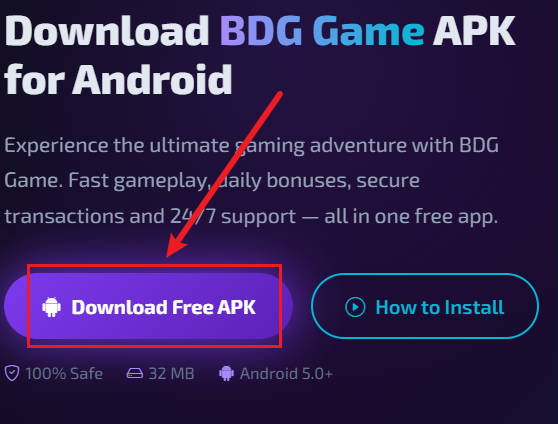
Click the Download button on our Download page. The APK file (approx. 32 MB) will be stored in your device's Downloads folder. Make sure your device has at least 80 MB of free space.
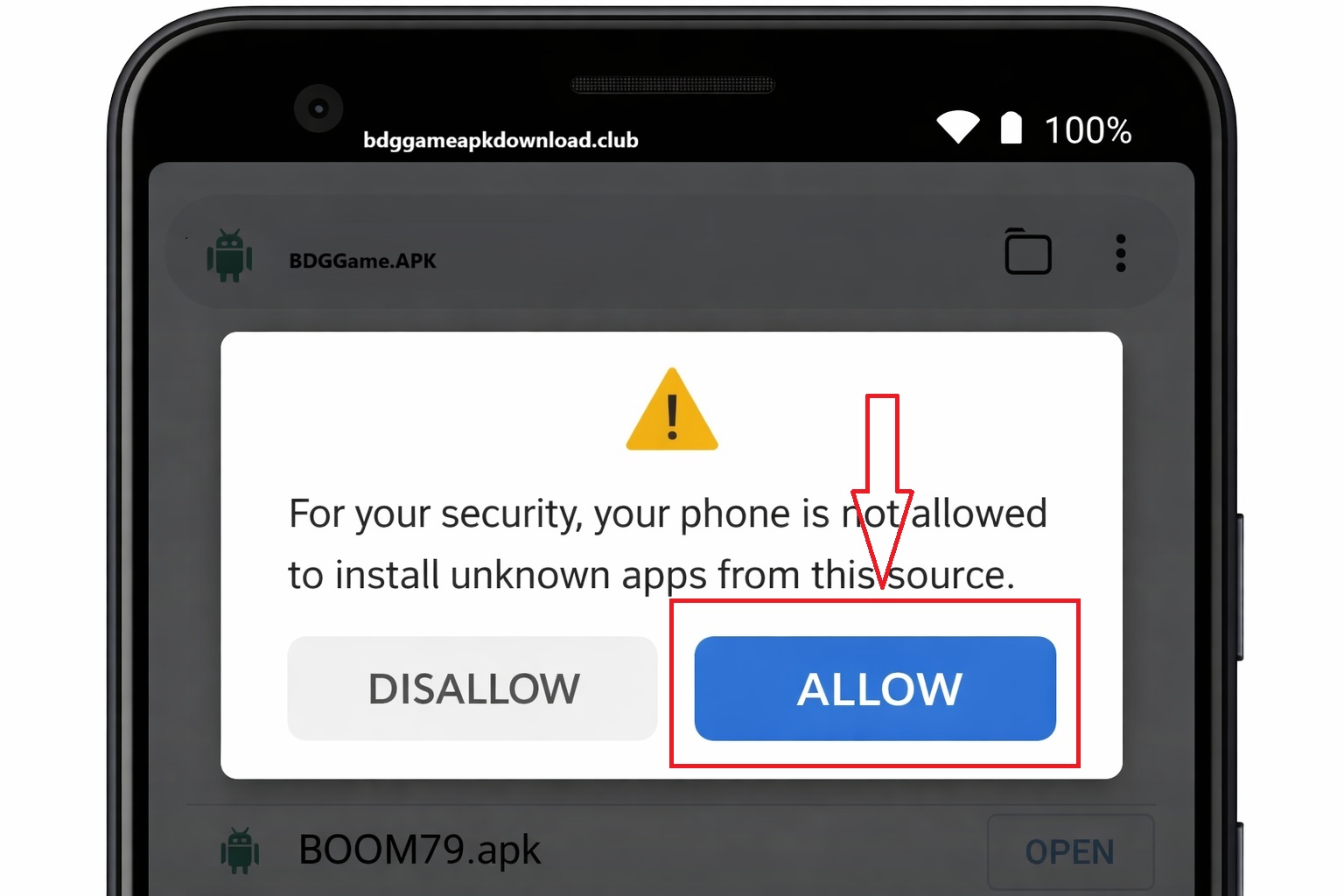
Enable "Install Unknown Apps"
Open your phone's Settings → Security (or Privacy on some devices) → find "Install unknown apps" or "Unknown sources" and enable it for your browser or file manager.
Locate the Downloaded APK
Pull down your notification shade and tap the completed download, or open your Files / File Manager app and navigate to Downloads. Look for BDGGame_v2.5.1.apk.
Tap Install
Android will show you a permission screen listing what the app requires. Review the permissions, then tap "Install". The installation takes 10–20 seconds.
Open BDG Game
Tap "Open" on the installation screen, or find the BDG Game icon on your home screen or app drawer. Sign in or register in the app if required. 18+ only — real-money modes involve financial risk.
System Requirements
- Android 5.0 or higher
- 1 GB RAM minimum
- 80 MB free storage
- Internet connection required
- Works on phones & tablets
Common Issues
"Parse error" — Your APK file may be corrupted. Re-download from our site.
"App not installed" — Enable Unknown Sources, or free up more storage space.
Slow install — Restart your device and try again.